


As many views as you want
From three catalogs on, the number of views is not limited.
Catalogue
From three catalogs on, create as many views as you want. Each view has its own search, grid, sort and pagination.
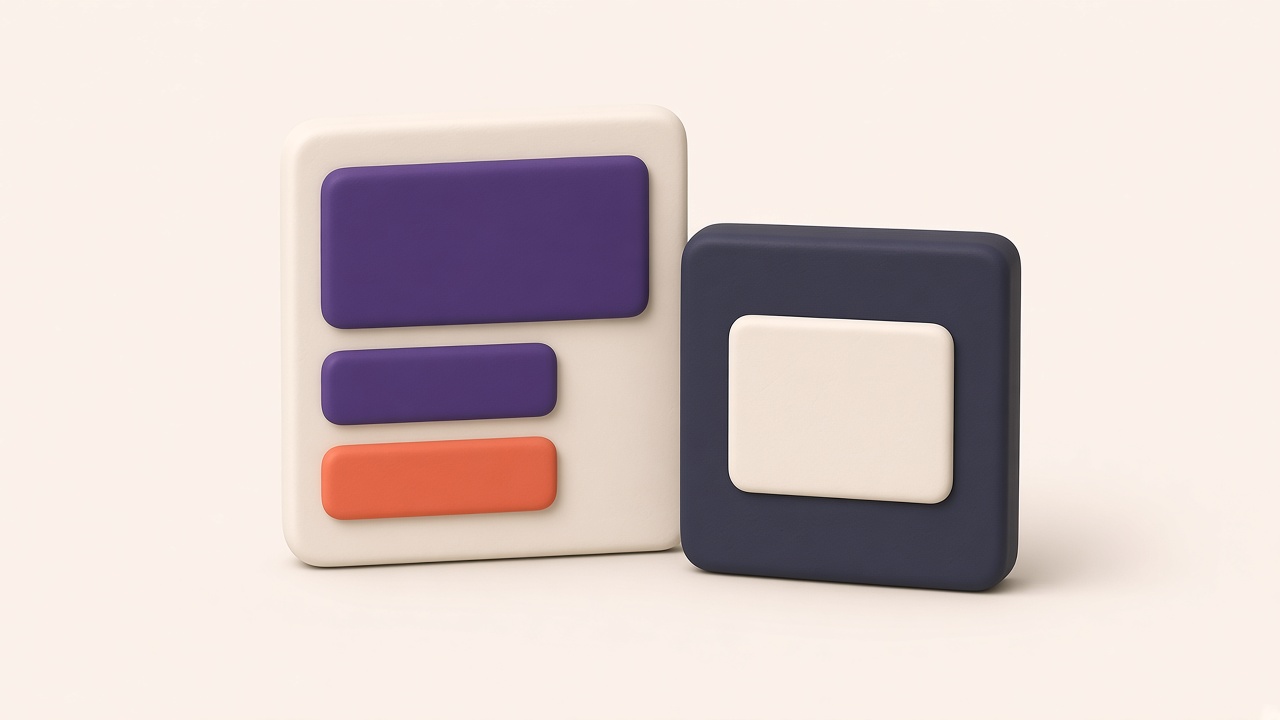
You save the view once, then place it in a menu or in a Catalogue block. A page composition can stack several views: the card, the search bar, or the sheet grid.
Catalogue
Each view is a saved recipe. Reuse it as it is, or stack it with others in a composition.
As many views as you want
From three catalogs on, the number of views is not limited.
Scope
A whole catalog, or only the families you pick.
Its own search
Keywords, family, advanced filters, spec columns and how the bar is presented.
Grid
Column count and card style, with an image or an icon.
Sort
Several orders, shown or hidden for that view.
Pagination
Pages, load more, show all, scroll, and the page size choice.
Count
The number of results and the item name, singular and plural.
Reuse
The same view in a menu and on several pages, alone or inside a composition.
Each card opens a view, with its search and its grid.
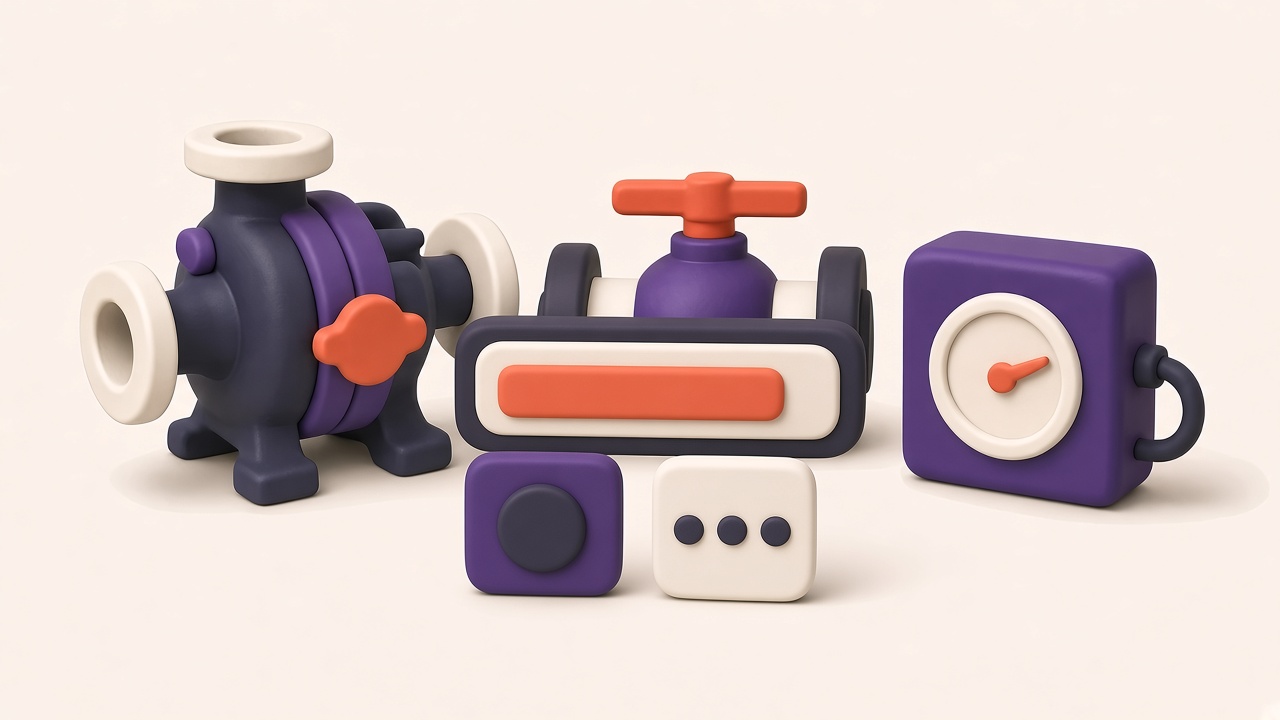 CatalogIndustrial componentsPumps, valves, seals and sensors.A consultation catalog: references, pressures and materials, no cart.
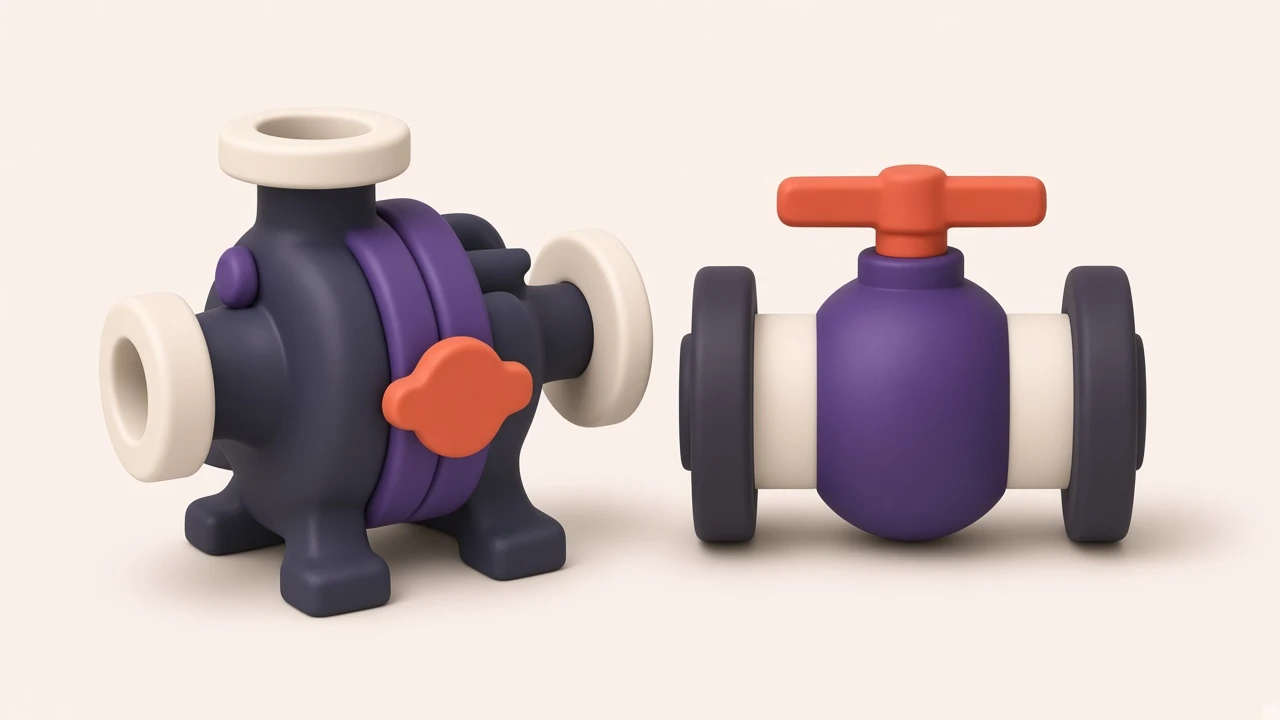 CatalogPumps and valvesCentrifugal pumps and valves, for fluid circuits.A consultation catalog: pressures, DN and connections, no cart.
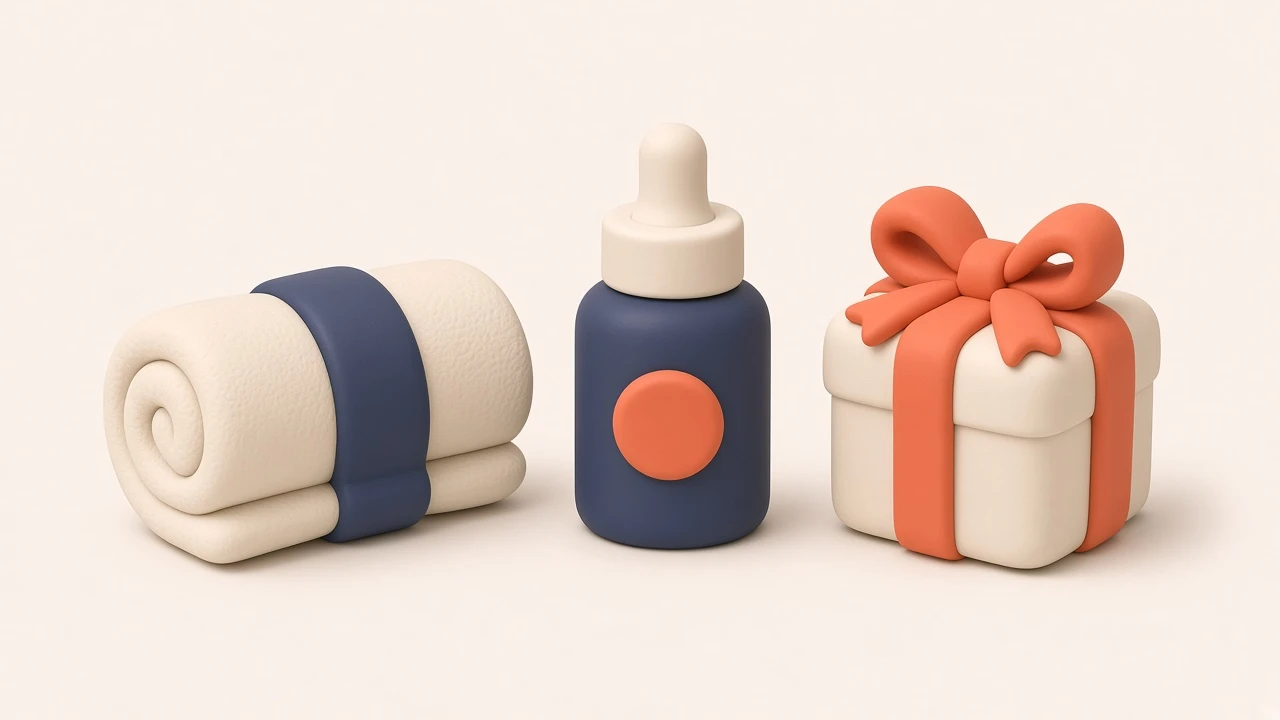 CatalogAtelier BrumeTreatments, oils and gift sets.A sale catalog: products, treatments and gifts, with a cart.SearchKeywords onlyBar reduced to keywords.This view keeps keyword search and the filter only, without the family picker.SearchKeywords and familyKeywords and family.This view adds the family picker to keyword search.
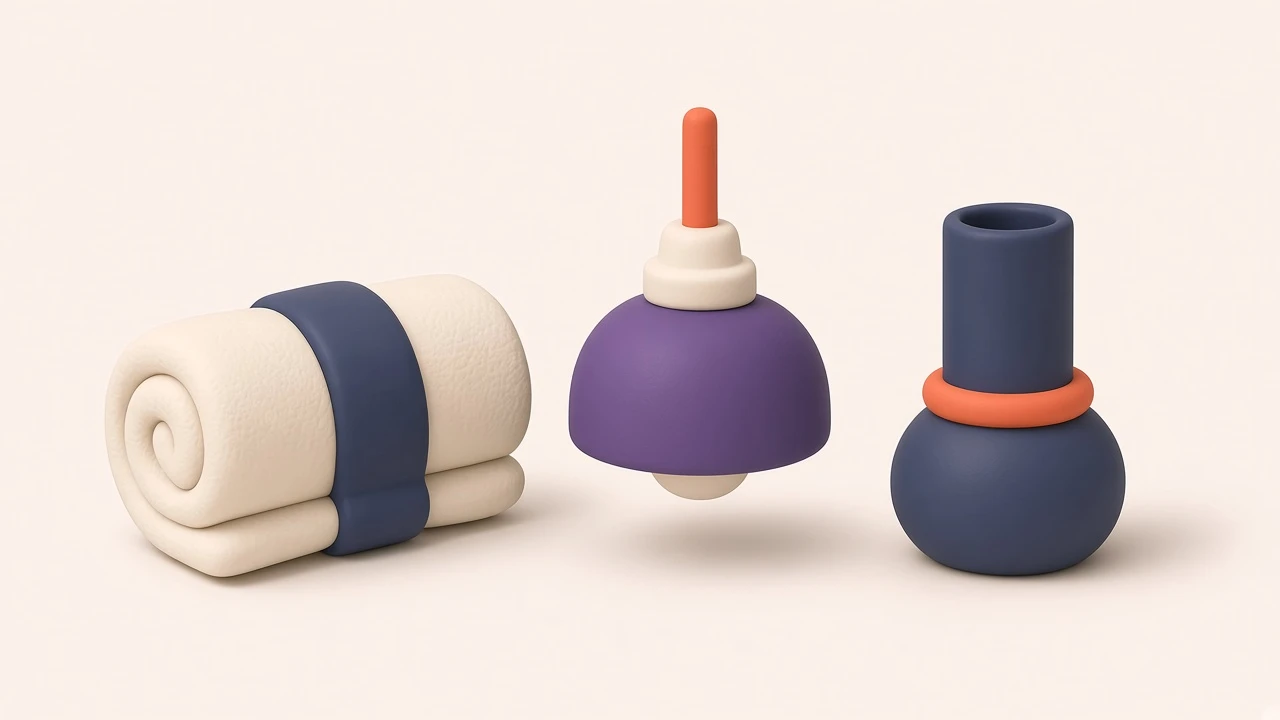 CatalogMaison OréeLighting, textiles, ceramics and small furniture.A sale catalog: materials, sizes and care, with a cart.
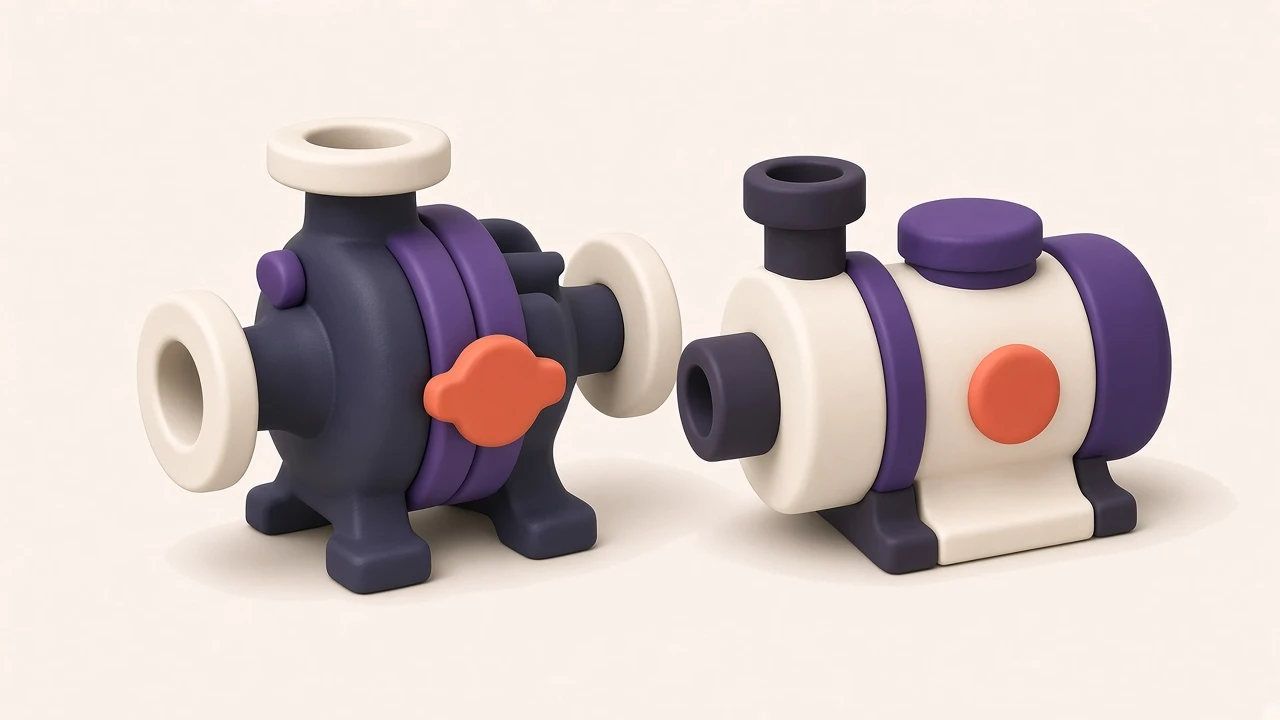 RangePumpsCentrifugal pumps from the components catalog.Dedicated view for the Pumps range.
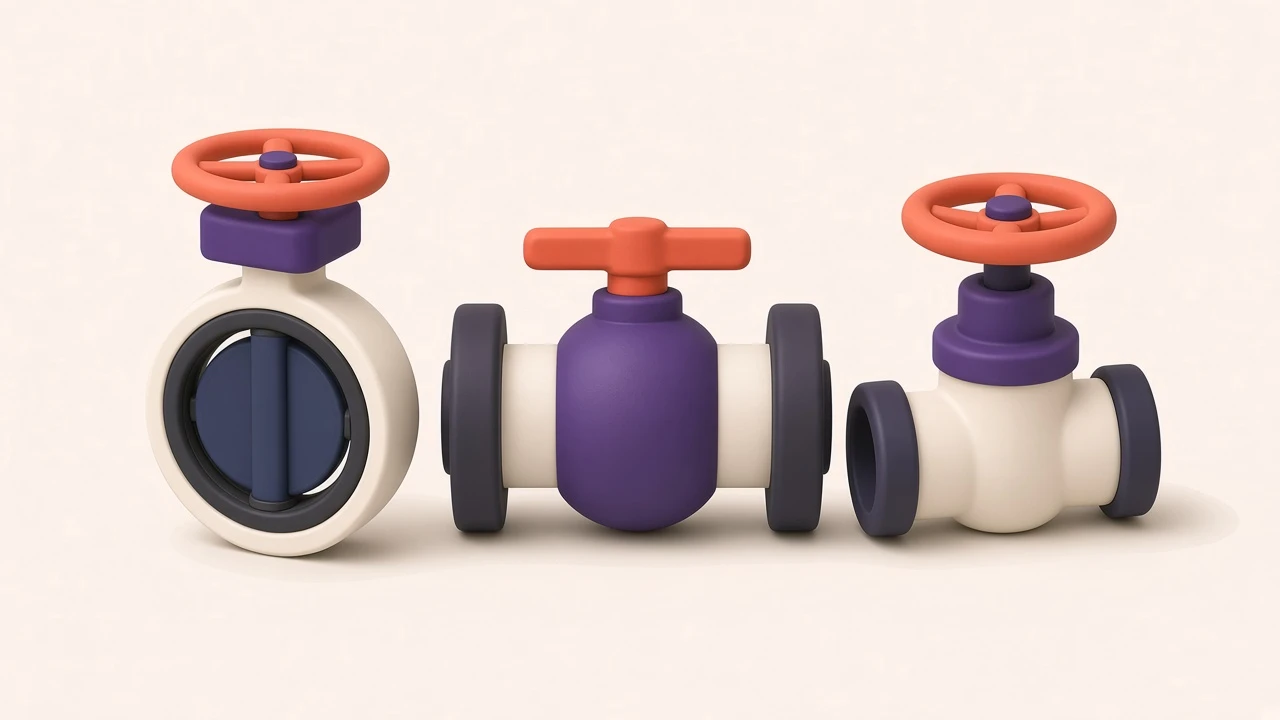 RangeValvesValves from the components catalog.Dedicated view for the Valves range.
 RangeSealsSeals from the components catalog.Dedicated view for the Seals range.
 FamilyTreatmentsTreatments from Atelier Brume.Dedicated view for the Treatments family.
 FamilyProductsProducts from Atelier Brume.Dedicated view for the Products family.
 FamilyGiftsGifts from Atelier Brume.Dedicated view for the Gifts family.
 FamilyLightingLighting from Maison Orée.Dedicated view for the Lighting family.
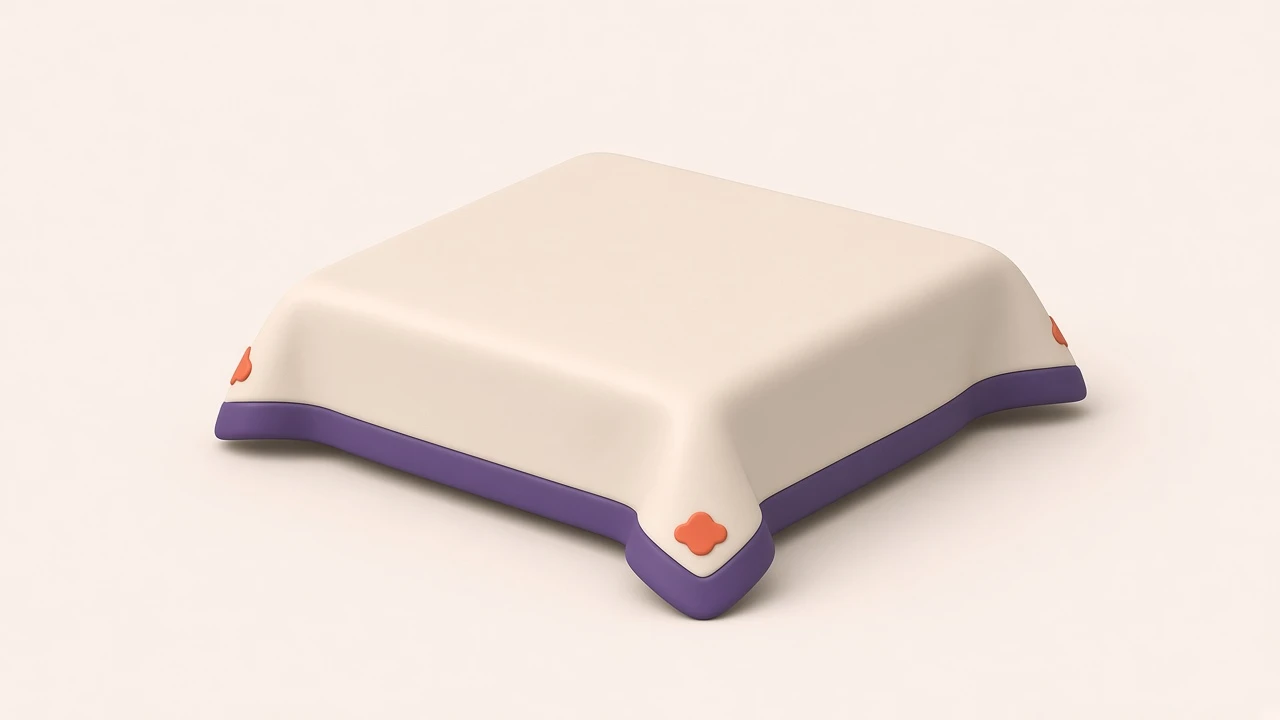 FamilyHome textilesHome textiles from Maison Orée.Dedicated view for the Home textiles family.
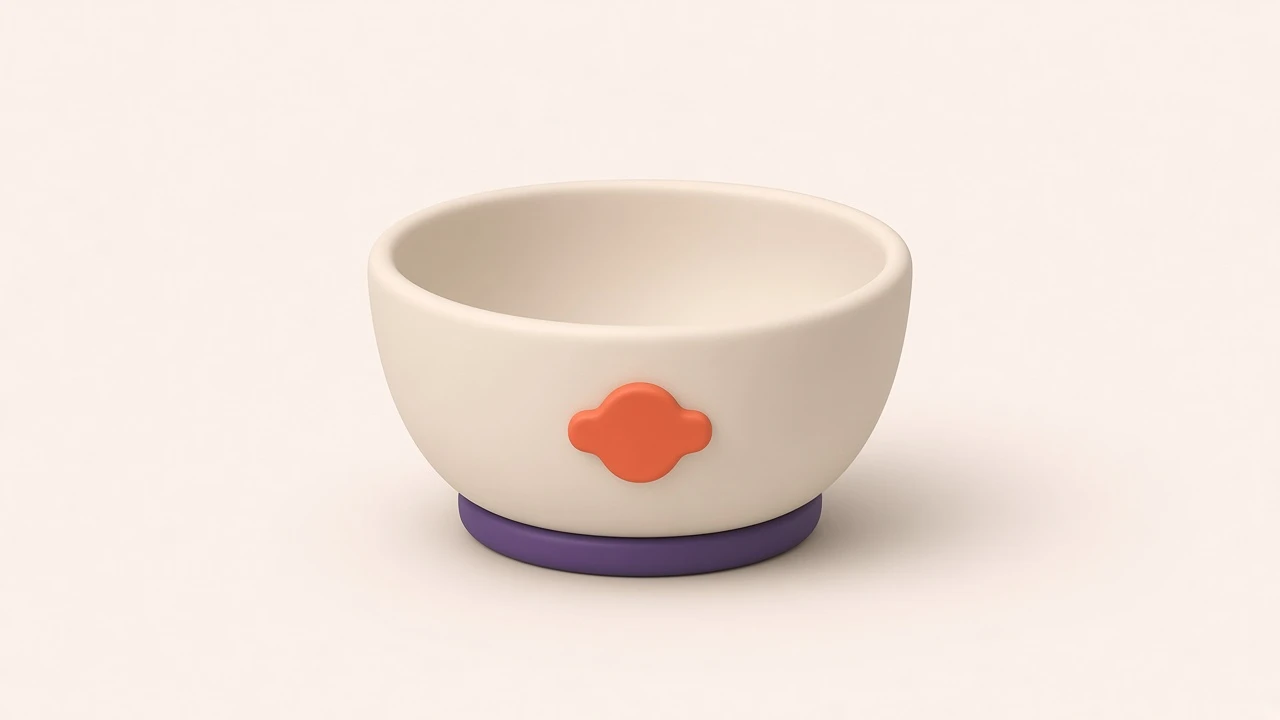 FamilyCeramicsCeramics from Maison Orée.Dedicated view for the Ceramics family.
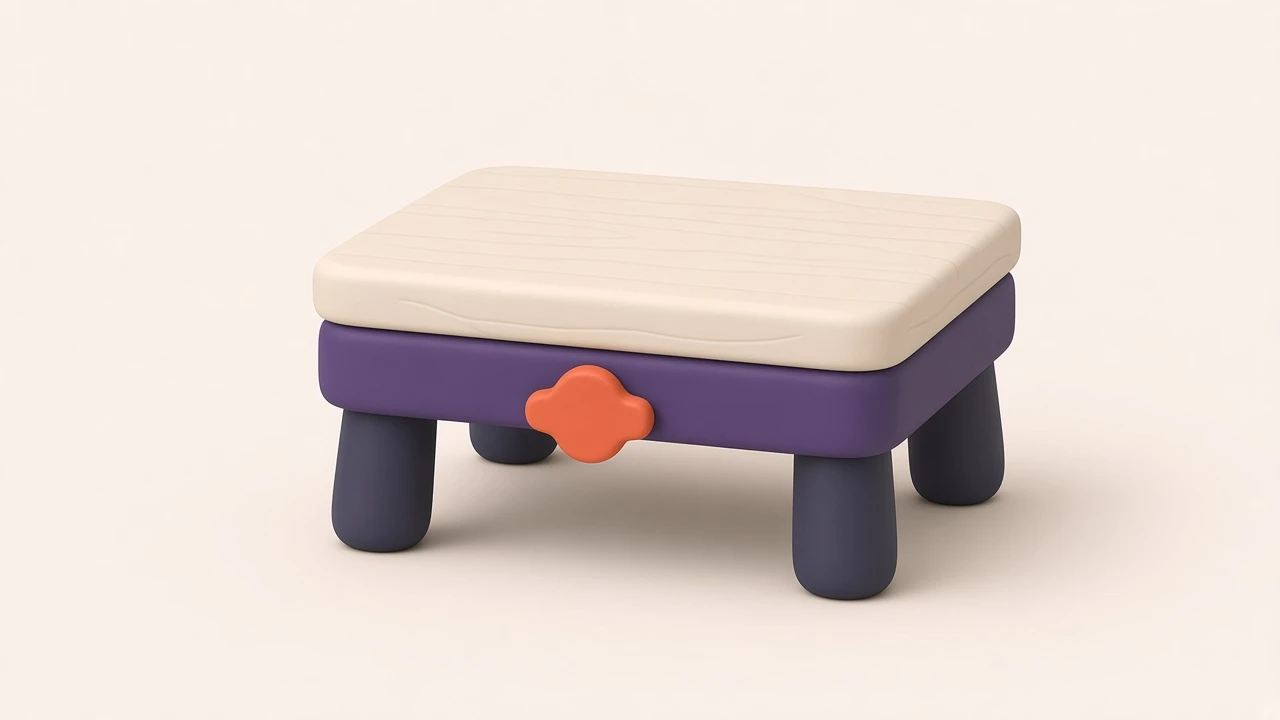 FamilySmall furnitureSmall furniture from Maison Orée.Dedicated view for the Small furniture family.
A composition stacks views. Here, the keywords bar, then the Pumps view grid. Each view keeps its own recipe.
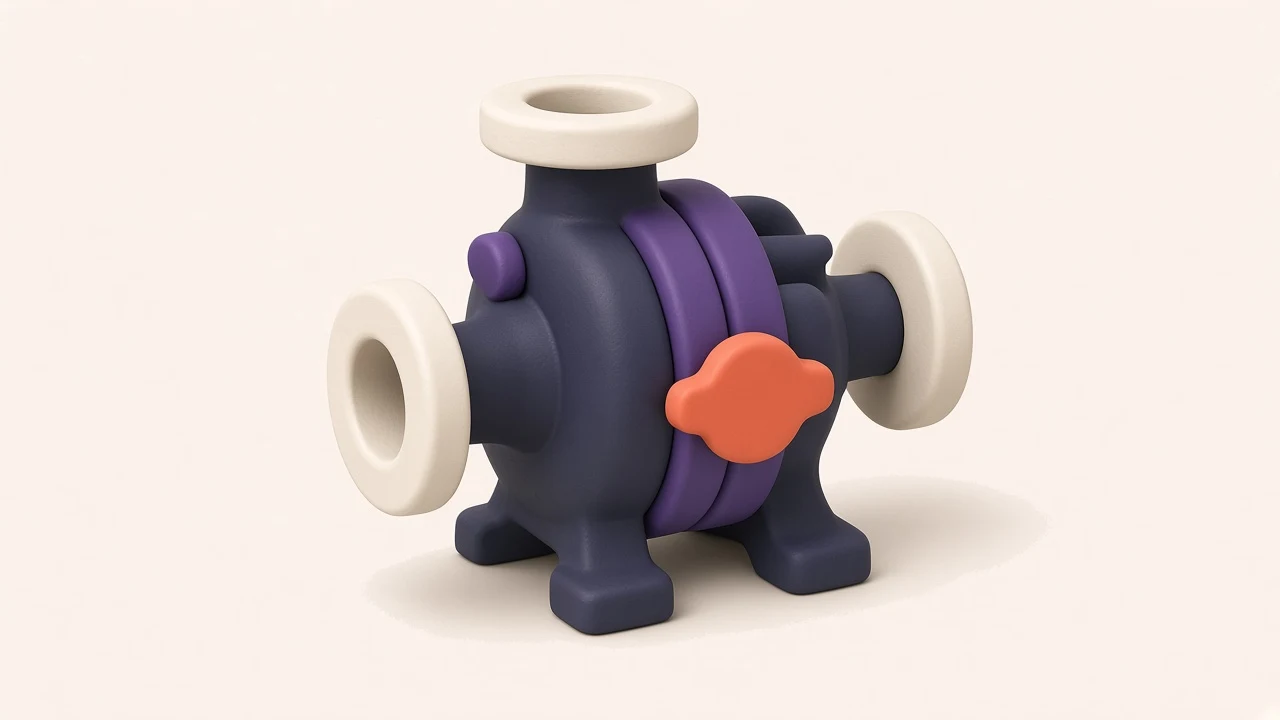
Ref. POM-120-CI
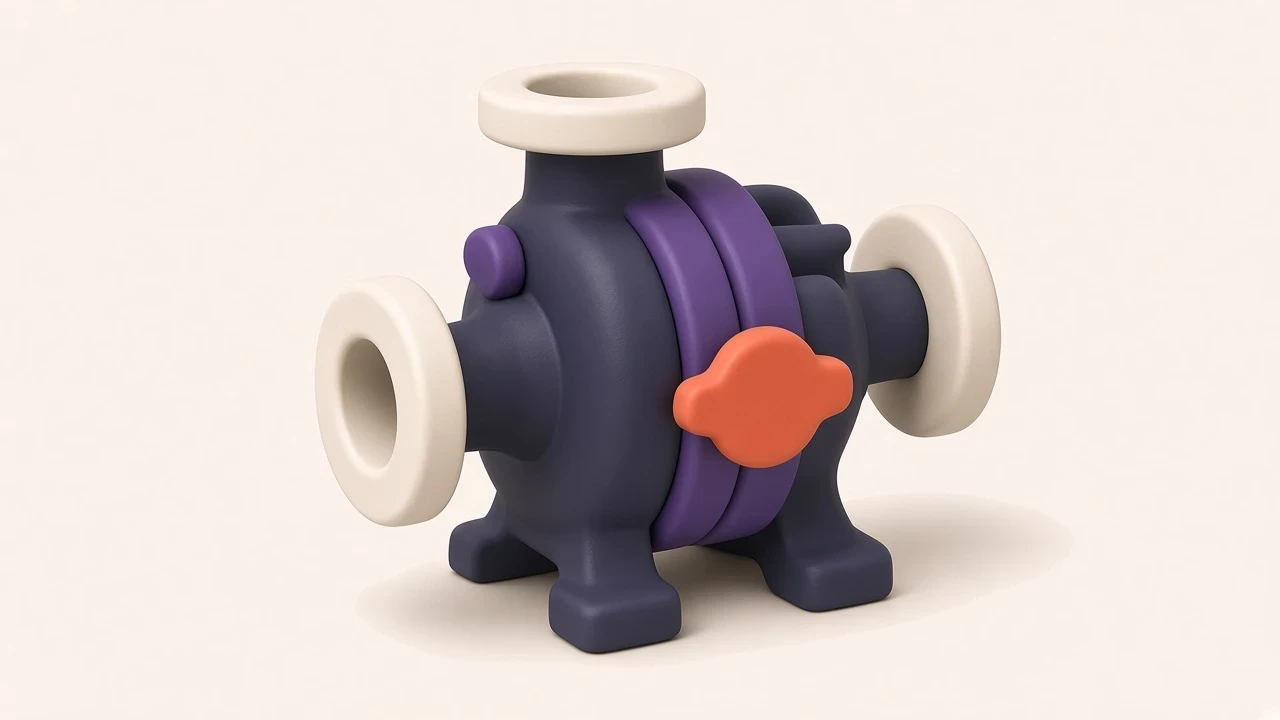
Ref. POM-200-CI
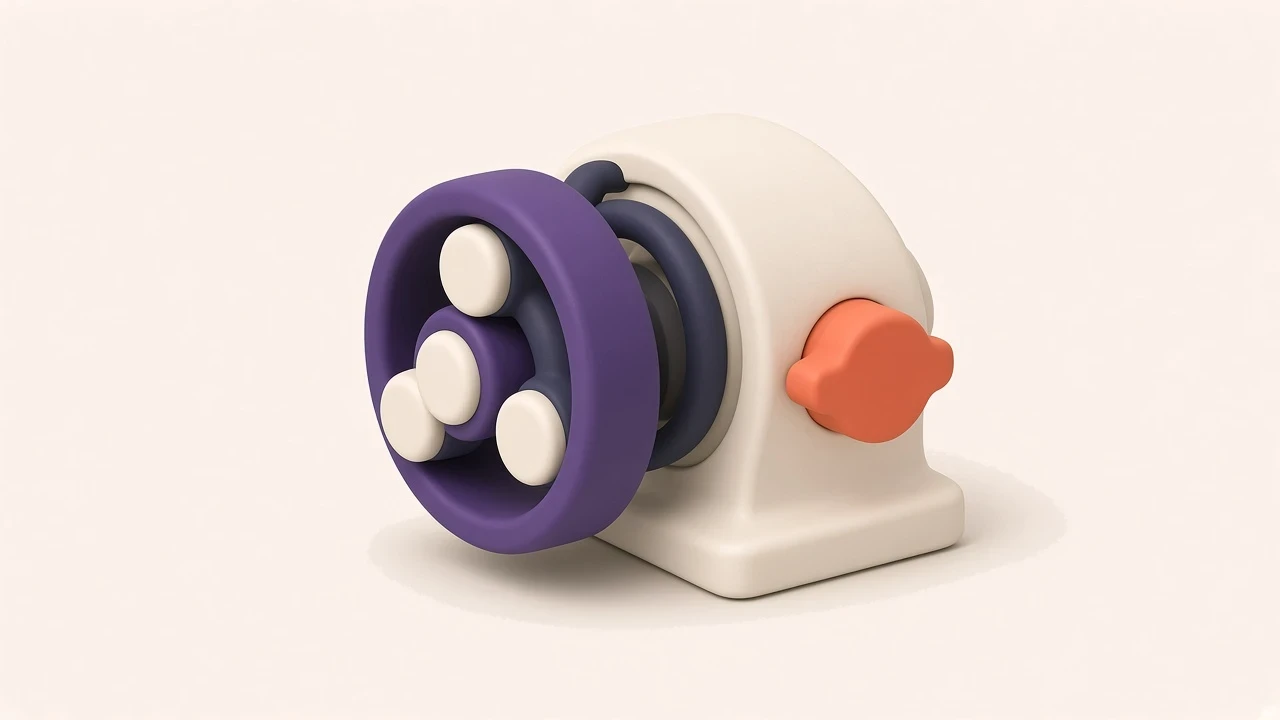
Ref. POM-15-PER
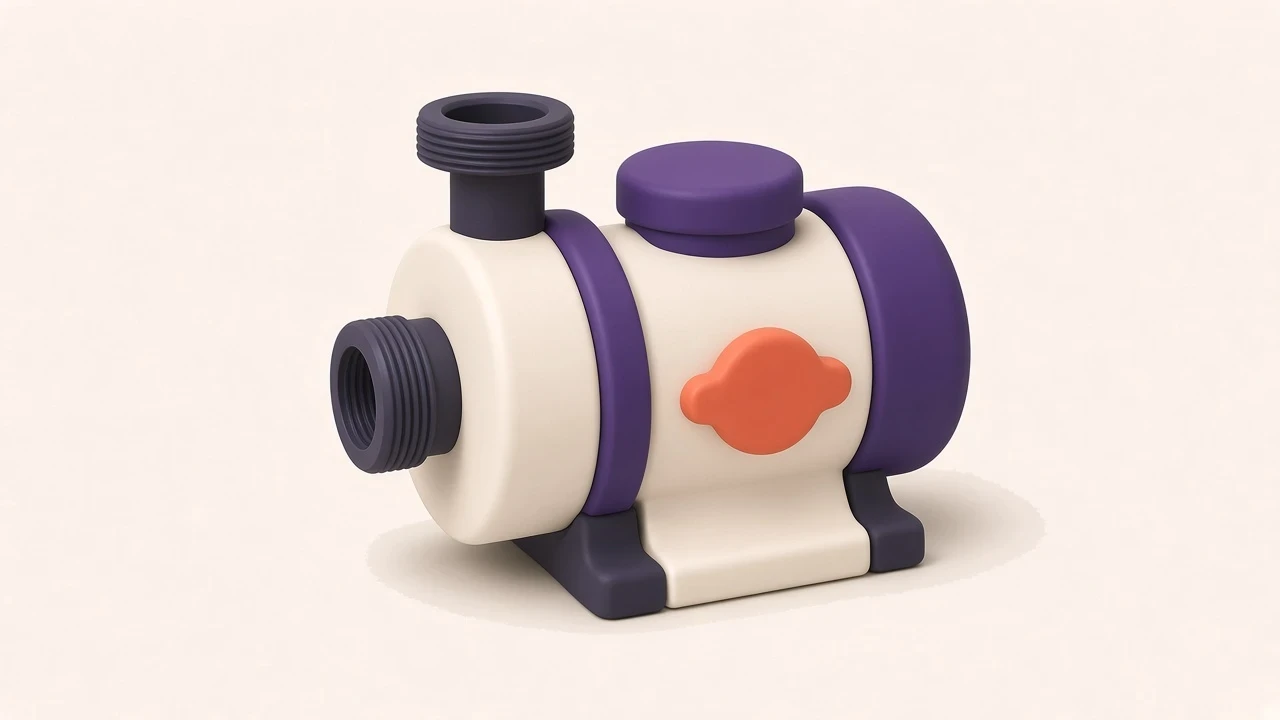
Ref. POM-40-PP
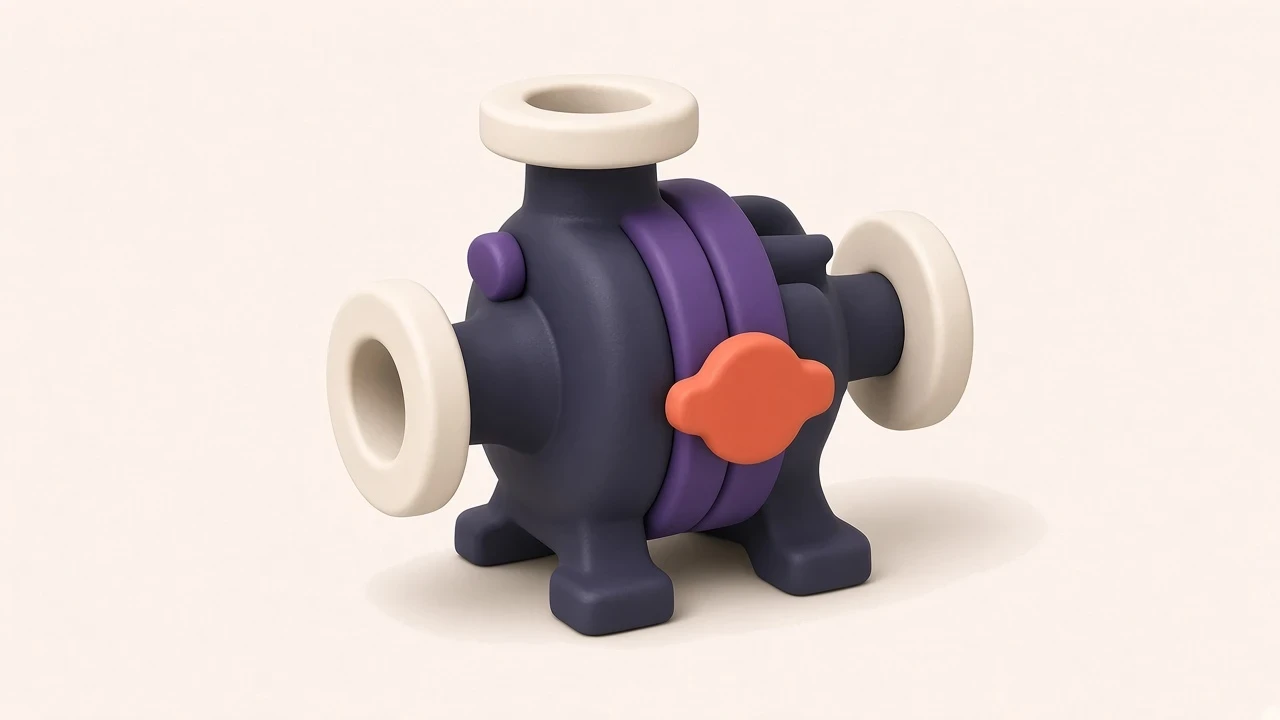
Ref. POM-50-SS
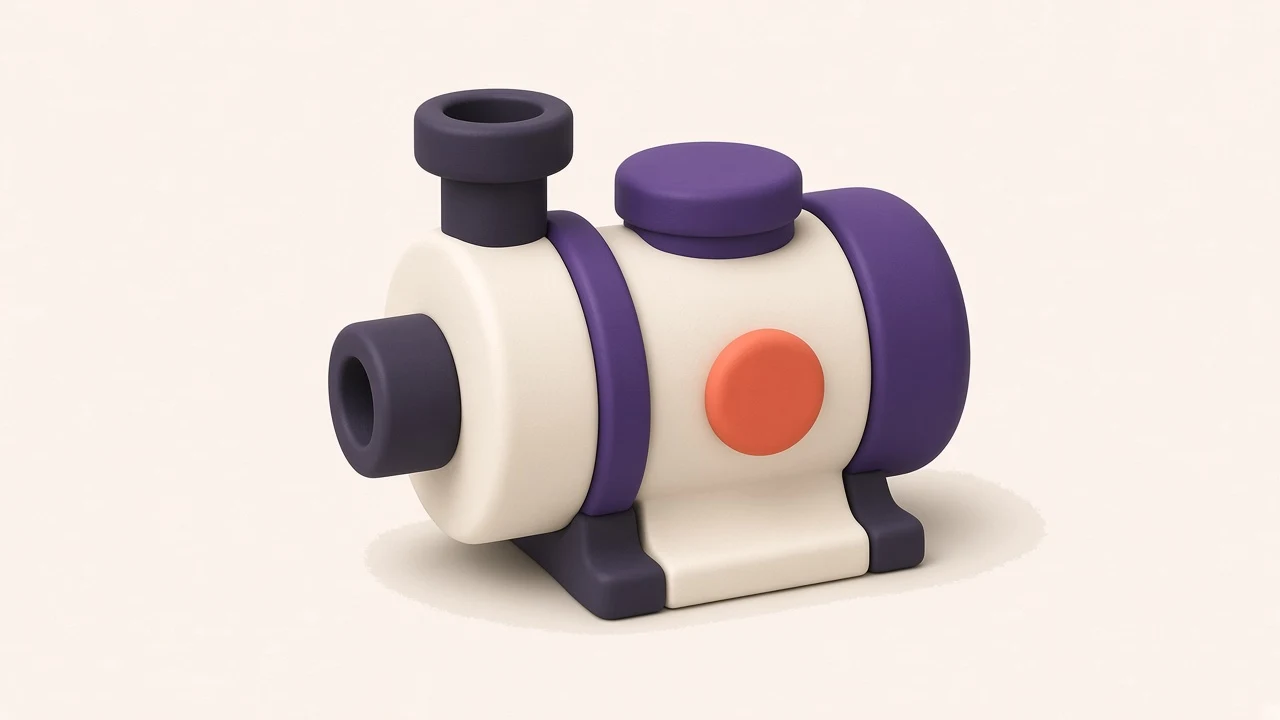
Ref. POM-80-SS
The Pumps and valves view shows its bar and its sheets. Search and grid belong to this view.
Ref. POM-120-CI
Ref. POM-200-CI
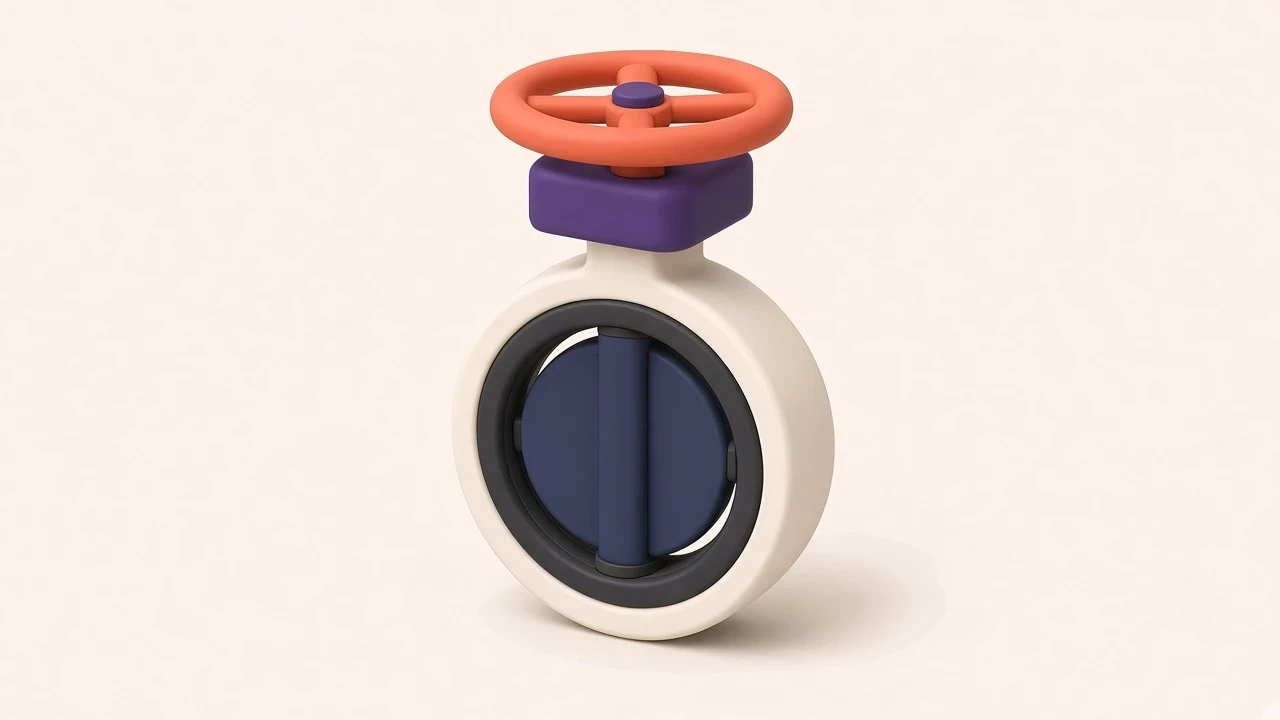
Ref. VAN-DN100-P
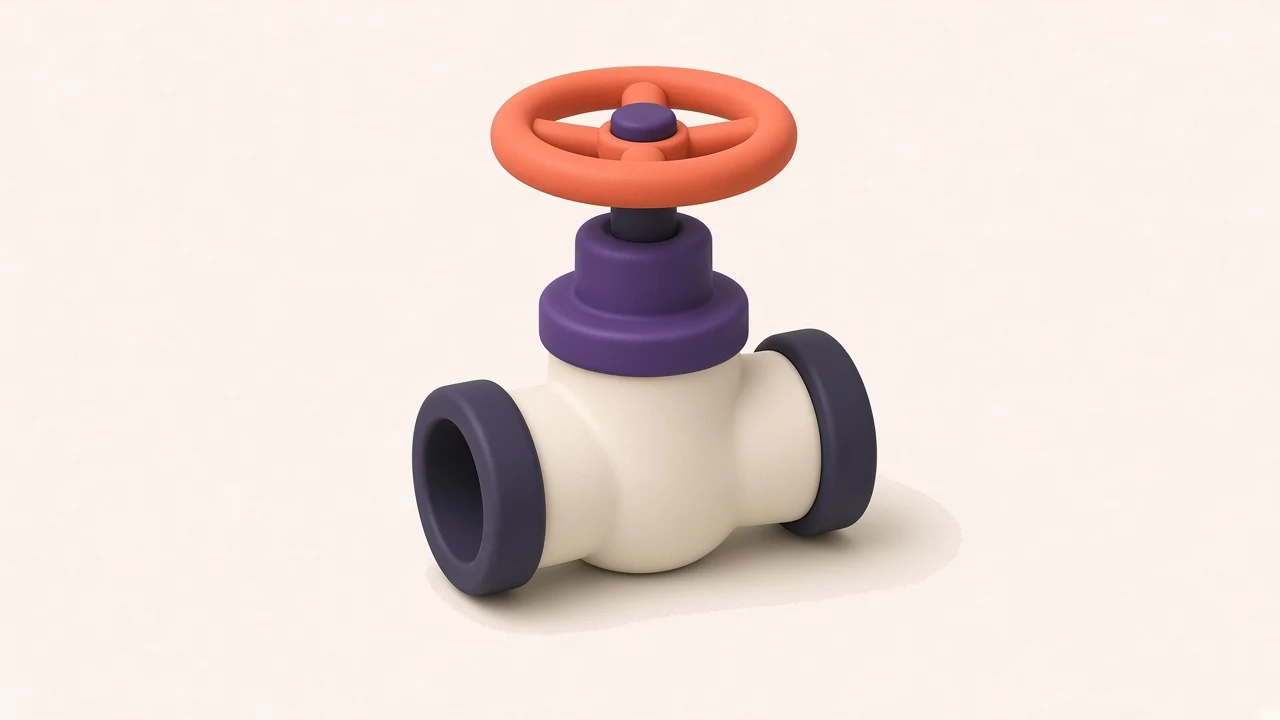
Ref. VAN-DN25-A
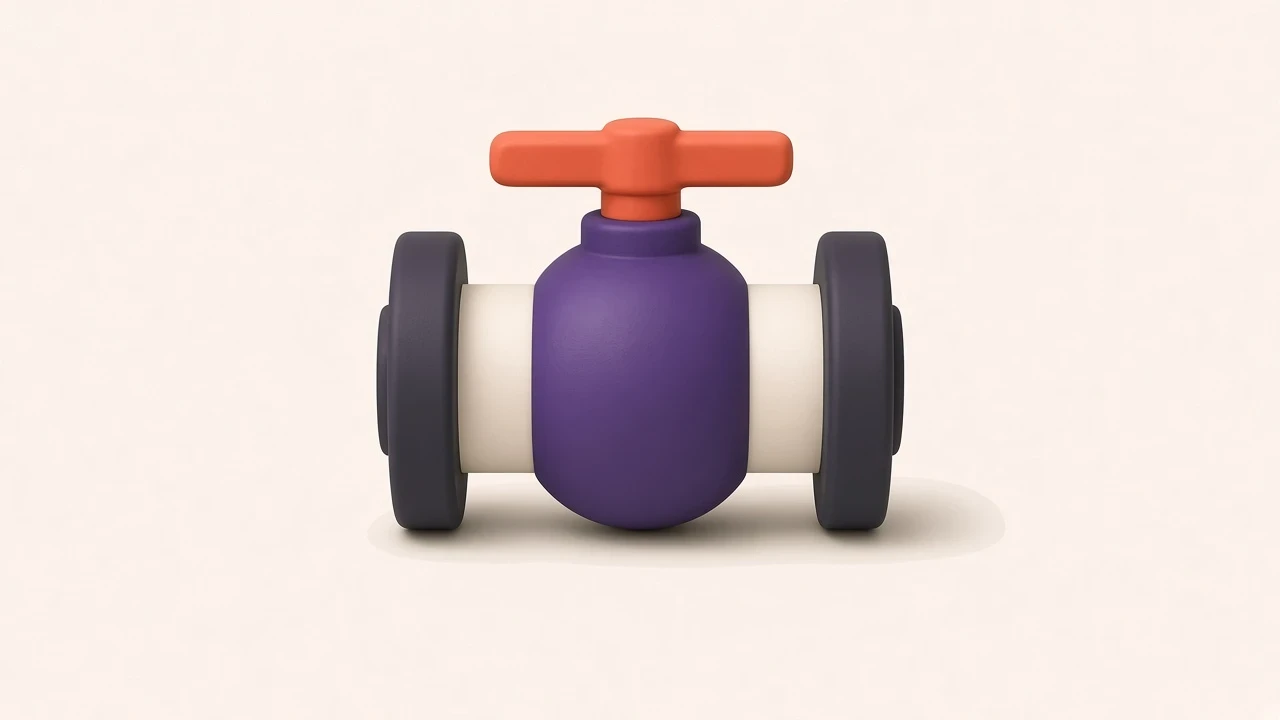
Ref. VAN-DN40-B
Ref. VAN-DN50-B